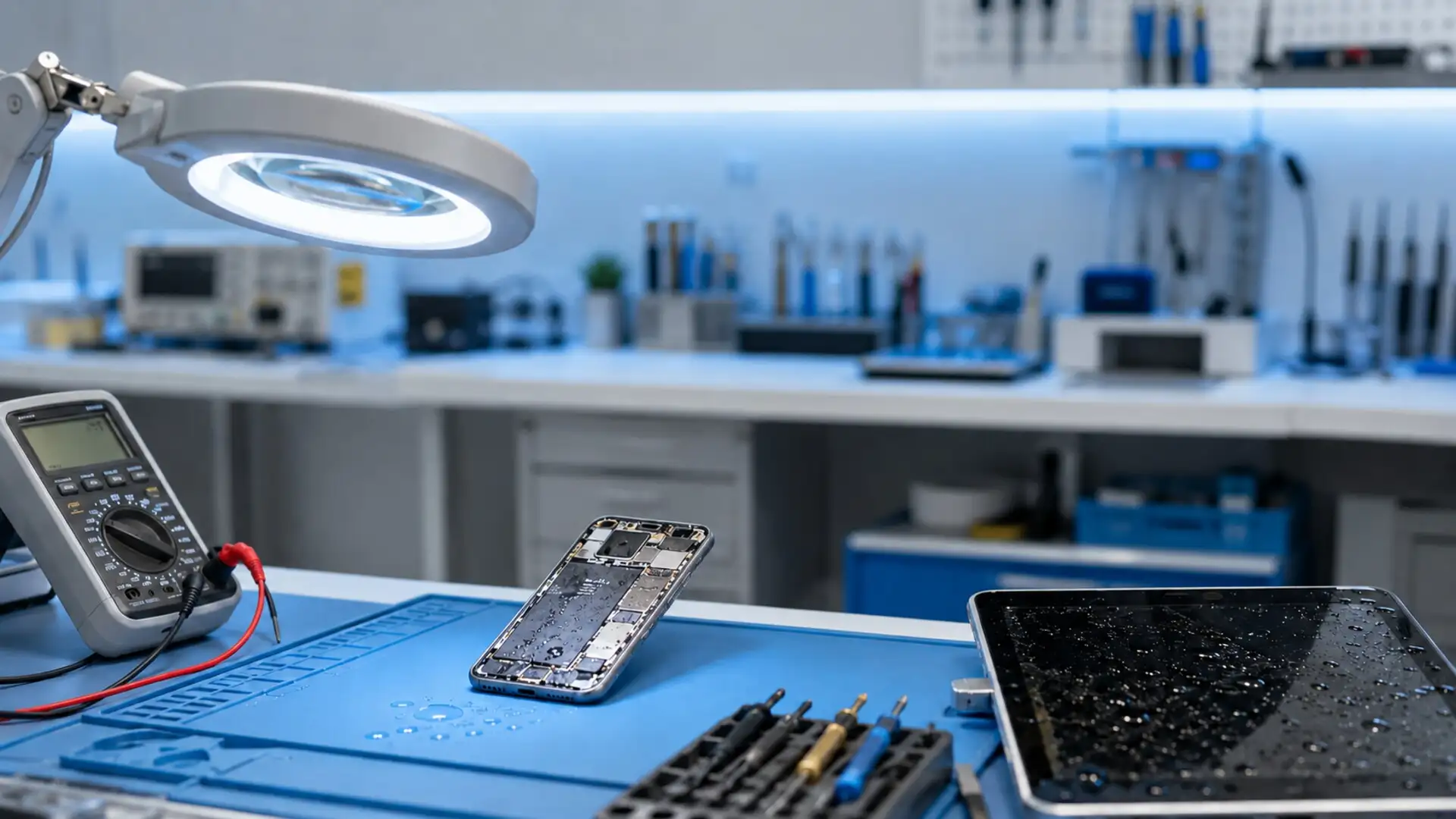
Water Damage Repair and Solutions Water or liquid entering a phone, tablet, laptop or gaming console can quickly affect its internal components. Even when a device continues working after exposure, moisture trapped inside may cause corrosion, charging problems, screen faults, overheating or complete failure later. Gisborne Tech Repair Hub provides professional water-damage assessment and repair services in Gisborne. We inspect the device carefully, identify affected components and explain the available repair or data-recovery options before beginning any work. What Happens When Water Enters a Device? Electronic devices contain closely connected circuits, cables, batteries and other sensitive components. When liquid reaches these parts, it can create electrical shorts and interfere with normal power flow. Salt water, soft drinks and other sugary liquids can be especially damaging because they leave corrosive residue behind. The effects of liquid exposure are not always immediate. A device may appear normal for several hours or days before developing charging, display, sound or performance problems. Acting quickly can reduce further damage and improve the possibility of a successful repair. Common Signs of Water Damage A water-damaged device may not turn on, charge correctly or respond to touch. Other warning signs can include screen lines, flickering, distorted sound, camera condensation, overheating, unexpected restarts or rapidly decreasing battery life. Some devices display a moisture warning when liquid is detected inside the charging port. If this message appears, disconnect the charger immediately and allow a technician to inspect the device before attempting to charge it again. Common warning signs: Device does not turn on Charging port not working Flickering or unresponsive screen Distorted speaker or microphone sound Camera lens condensation Unexpected shutdowns or restarts Excessive heat or rapid battery drain Moisture-detection warning What to Do Immediately After Liquid Exposure Remove the device from the liquid and switch it off as soon as it is safe to do so. Disconnect the charger, headphones, USB cables and other accessories. If possible, remove the protective case, SIM card and memory card without forcing the device open. Keep the device in a dry and ventilated place, and take it to a repair technician promptly. Tell the technician what type of liquid was involved, when the exposure happened and whether the device was used or charged afterward. Immediate steps: Remove the device from the liquid Turn it off immediately Disconnect all cables and accessories Remove the case, SIM card and memory card Wipe the exterior with a soft, dry cloth Keep the device in a ventilated location Arrange a professional assessment quickly What You Should Not Do Do not connect a wet device to a charger or continue testing whether it still works. Applying power while moisture remains inside can cause additional electrical damage. Avoid pressing buttons repeatedly because this may push liquid further into the device. Do not use a hair dryer, heater, oven or direct sunlight to dry the device. Excessive heat can damage the battery, screen, seals and internal adhesives. Placing the device in rice is also unreliable because rice cannot properly remove moisture or residue from internal components. Avoid these actions: Do not charge the wet device Do not repeatedly turn it on Do not shake or hit the device Do not use a hair dryer or heater Do not place it inside an oven Do not rely on uncooked rice Do not open the device without suitable tools Phone Water-Damage Repair Phones are commonly exposed to rain, drinks, sinks, bathrooms and accidental spills. Liquid can affect the screen, charging port, cameras, speakers, microphones, battery and main circuit board. Even water-resistant phones can become damaged if their seals are worn, previously repaired or exposed beyond their rated limits. Our technicians inspect the phone and look for moisture, corrosion and damaged connections. Depending on its condition, the solution may involve internal cleaning, connector treatment, charging-port repair, battery replacement, screen replacement or board-level assessment. Tablet and iPad Water-Damage Repair Tablets and iPads have large screens and batteries, and liquid can spread across a wide internal area. Common problems include touch-screen failure, display lines, charging faults, weak sound, battery problems and devices that no longer start. We assess the affected tablet before recommending repairs. The device may require internal cleaning or replacement of the screen, battery, charging assembly or another damaged component. Repair availability depends on the model and the extent of the liquid exposure. Laptop Water-Damage Repair Spilled drinks are a common cause of laptop damage because liquid can pass through the keyboard and reach the motherboard, battery, storage drive and internal connectors. The laptop should be switched off and disconnected from its charger immediately. Our technicians can inspect Windows laptops and MacBooks for liquid damage. Possible solutions include internal cleaning, keyboard replacement, connector repair, battery replacement and motherboard assessment. We also check whether important files can be safely backed up or recovered. Gaming Console Water-Damage Assessment Liquid entering a PlayStation or Xbox can affect its power supply, motherboard, ports, buttons and cooling system. Turning on a wet console may increase the damage, so it should remain disconnected from power until it has been inspected. We assess affected gaming consoles and explain whether cleaning, component repair or part replacement may be practical. Successful repair depends on the type of liquid, exposure time and amount of corrosion inside the console. Our Water-Damage Repair Process We begin by recording the device model, reported symptoms and details of the liquid exposure. The device is opened using appropriate tools, and its internal components are inspected for visible moisture, residue, corrosion and electrical damage. After the assessment, we explain the recommended cleaning or repair work and provide an estimate where possible. Once approved, suitable repairs are completed and the device is tested for power, charging, display, touch, sound, cameras, connectivity and other important functions. Our process includes: Initial device and damage assessment Careful internal inspection Moisture and corrosion checks Professional internal cleaning Testing of affected components Replacement of damaged parts when suitable Function testing after repair Clear explanation of the results Internal Cleaning and Corrosion Treatment Drying