Accidental exposure to water, drinks or other liquids can affect the charging system, battery, screen and internal components of your device. Gisborne Tech Repair Hub provides professional water-damage assessment and repair in Gisborne for phones, tablets, laptops, computers and gaming consoles.
A liquid-damaged device may continue working temporarily even when moisture has reached its internal components. We carefully inspect the device, assess the visible damage and explain the available cleaning, repair and data-recovery options before beginning approved work.
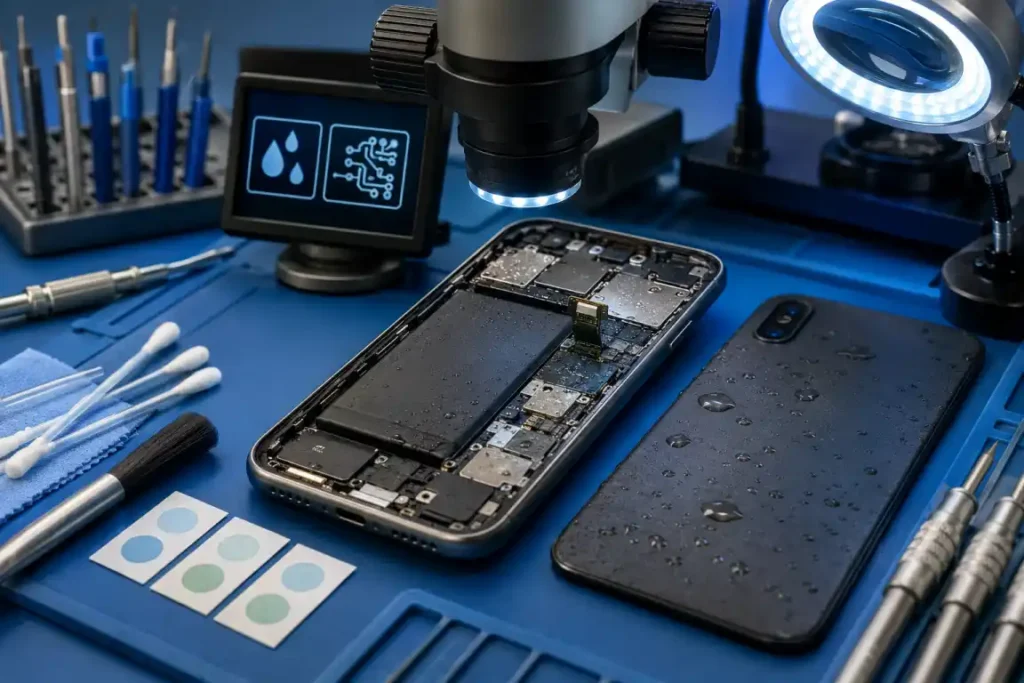
Phones can be exposed to rain, spilled drinks, sinks, bathrooms and other sources of moisture. Liquid may enter through the charging port, speakers, microphone openings, buttons or damaged areas of the device.
We inspect the phone for visible moisture, corrosion and affected components. Depending on the condition, internal cleaning, connector repair, part replacement or data-recovery work may be recommended.
Liquid exposure can affect a tablet’s screen, charging system, battery, speakers, cameras and internal circuit board. Even a small amount of moisture may cause charging problems, touch faults or unexpected shutdowns.
We assess the device and check which functions have been affected. Repair options depend on the tablet model, level of corrosion, condition of the internal components and availability of suitable replacement parts.
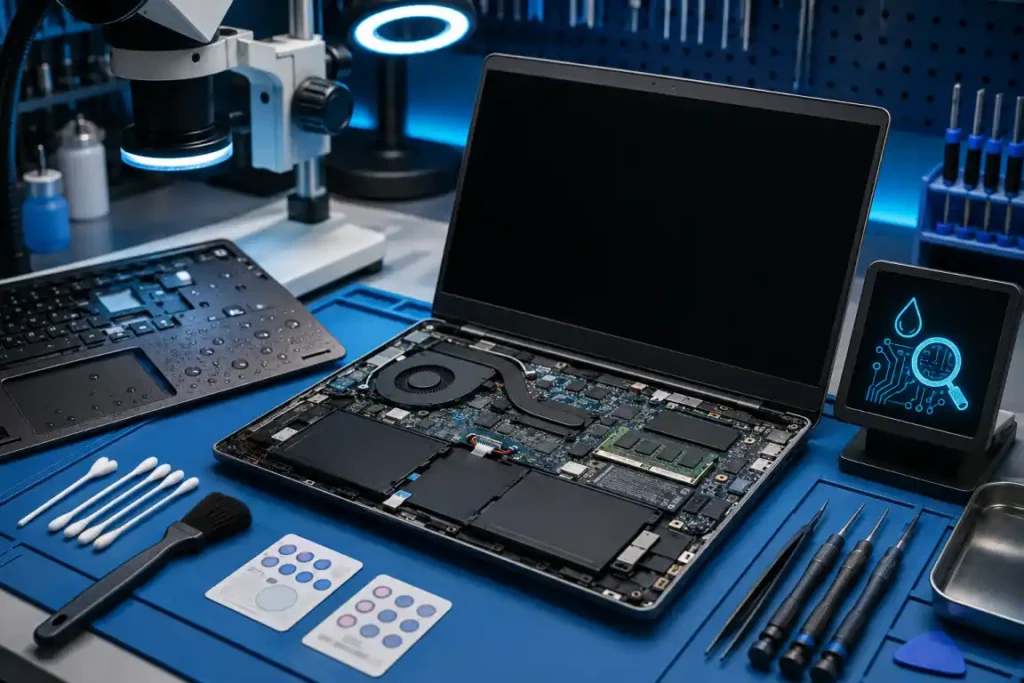
Spilled drinks are a common cause of laptop damage because liquid can enter through the keyboard and reach internal components. The keyboard, trackpad, battery, storage drive, charging system and motherboard may be affected.
Switch off and unplug the laptop as soon as it is safe to do so. We can inspect the internal components, identify visible corrosion and explain the available cleaning, repair or data-recovery options.
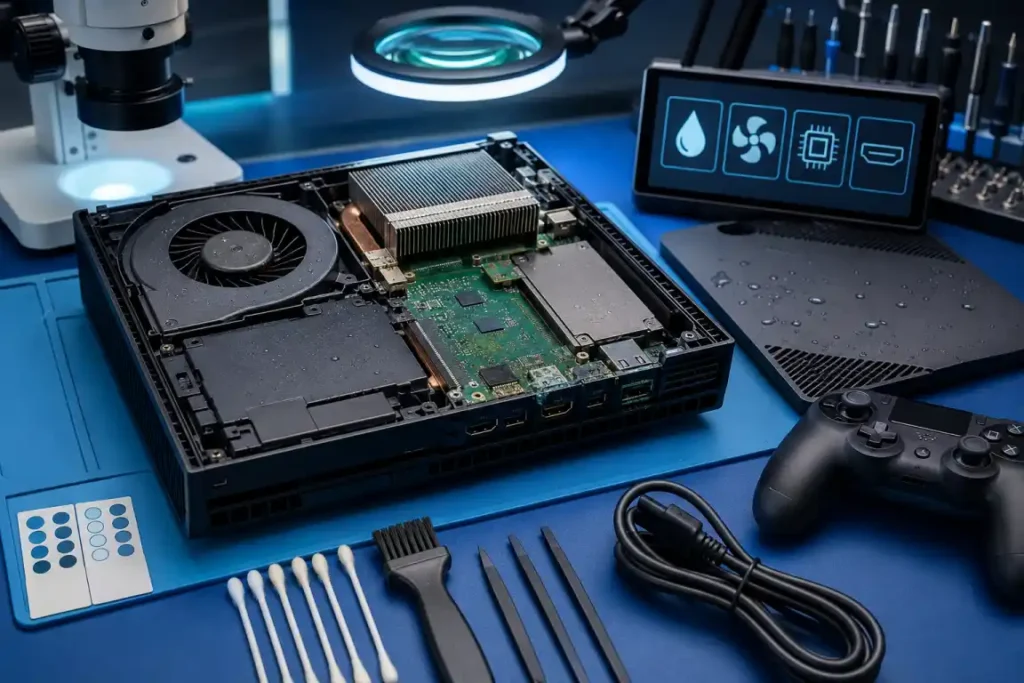
Gaming consoles may be damaged by spilled drinks or moisture entering through vents, ports and disc-drive openings. Symptoms can include no power, overheating, display problems, controller connection faults or games failing to load.
We inspect supported PlayStation and Xbox consoles for visible moisture and internal damage. Cleaning, port repair, component replacement or further circuit-board testing may be recommended after the assessment.
Desktop computers can be damaged by spilled drinks, leaking pipes or moisture entering the case. Liquid may affect the motherboard, graphics card, memory, storage drives, power supply and connected accessories.
The computer should be disconnected from power and left switched off until it can be assessed. We inspect the affected components and determine which parts may require cleaning, testing, repair or replacement.
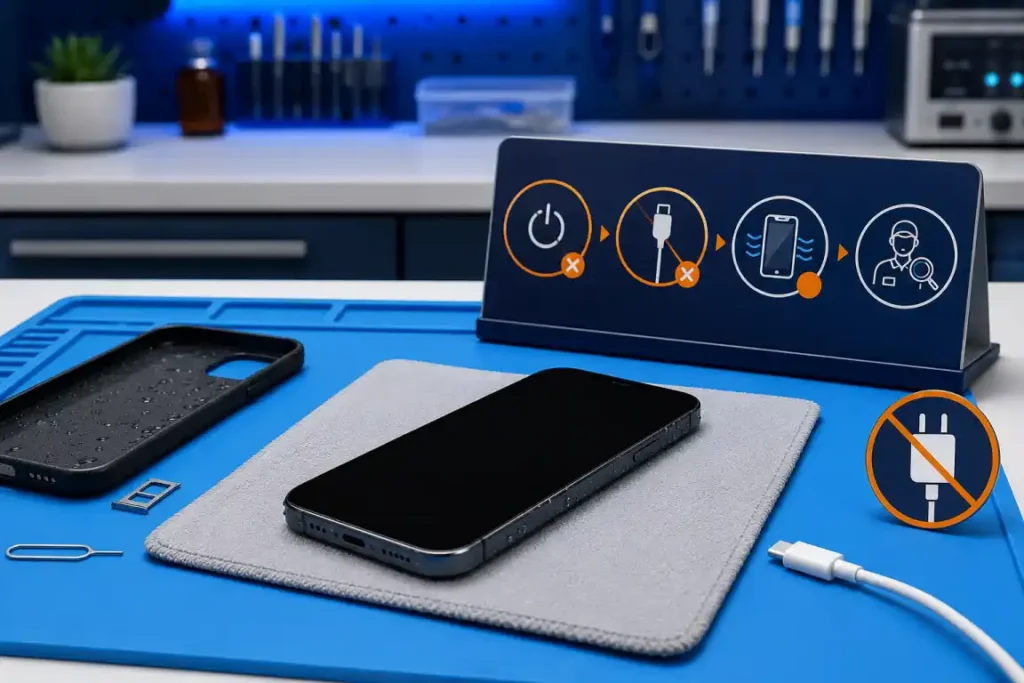
Switch off the device immediately if it can be done safely. Disconnect the charger and remove any external accessories, but do not repeatedly press buttons or attempt to test whether the device still works.
Keep the device in a dry, well-ventilated place and bring it for assessment as soon as possible. Do not shake the device, apply direct heat or place objects inside its ports.
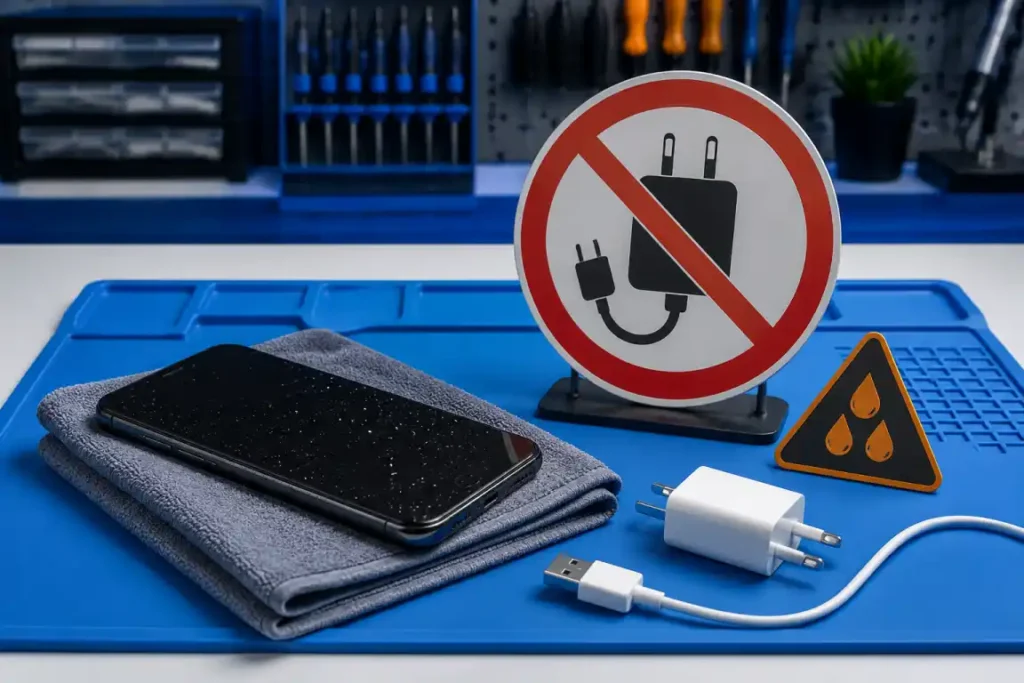
Connecting power to a wet device can increase the risk of short circuits and additional internal damage. A device that appears dry on the outside may still contain moisture around its battery, connectors or circuit board.
Avoid charging or switching on the device until it has been inspected. If the device becomes unusually hot, develops a smell or begins to swell, move away from it and seek professional assistance.
Get Quote
Need reliable device repair in Gisborne? Tell us what’s wrong with your phone, tablet, computer, laptop or gaming console. Complete the form to request a repair assessment or quote, and the Gisborne Tech Repair Hub team will contact you with the next steps. You can also visit us at 225 Gladstone Road or call 0225 281 144.
This website uses cookies to provide you with the best browsing experience.