Losing important photographs, business documents, study files or personal information can be stressful. Gisborne Tech Repair Hub provides professional data recovery and backup services in Gisborne for computers, laptops, external drives, USB devices and other common storage media.
Our technicians inspect the storage device to identify the likely cause of the problem and determine whether data recovery may be possible. We explain the available options before beginning work, but recovery results depend on the device’s condition, type of damage and whether the missing data has been overwritten.
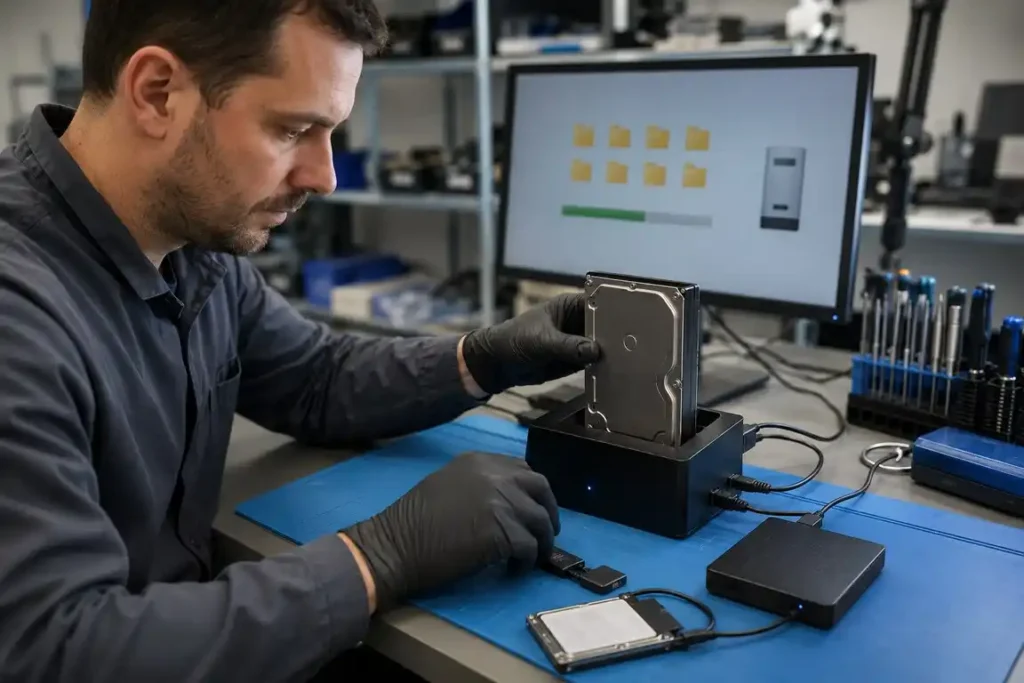
A hard disk drive can stop working because of age, file-system corruption, bad sectors, accidental formatting or physical damage. Common warning signs include clicking noises, missing folders, extremely slow performance or a drive that is no longer recognised by the computer.
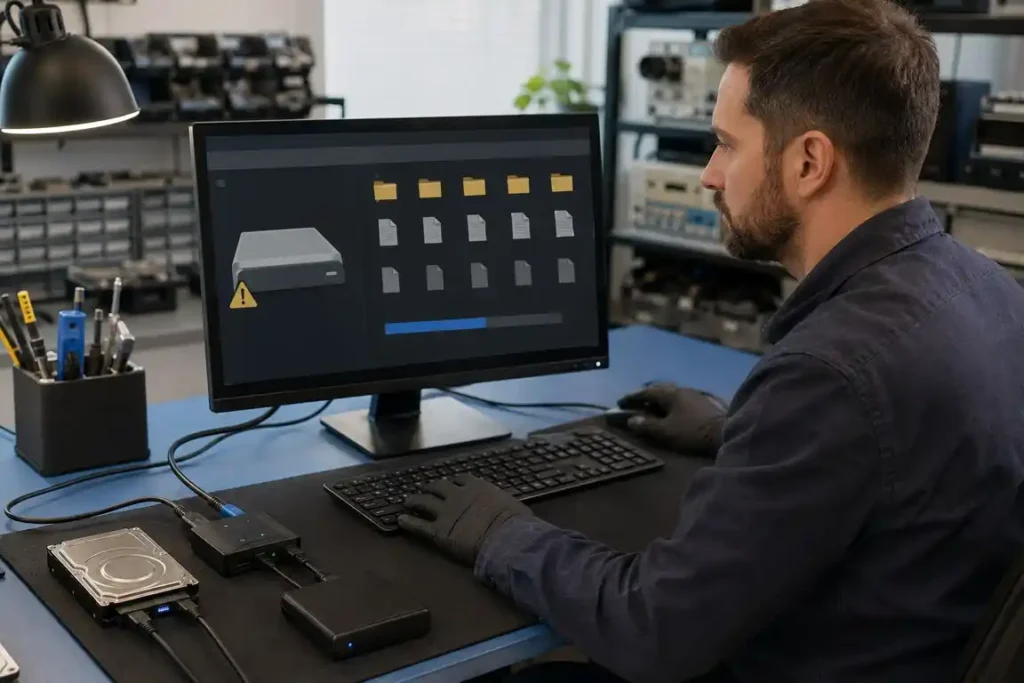
Our technicians can assess the hard drive and attempt to retrieve accessible files using appropriate diagnostic and recovery procedures. If the drive has serious internal or mechanical damage, we may recommend a specialist recovery service with controlled facilities.
Solid-state drives provide fast performance, but they can still experience controller faults, damaged connectors, corrupted data or unexpected failure. An SSD may disappear from the operating system, prevent the computer from starting or become inaccessible without giving much warning.
We can inspect the SSD, its connection and the computer to identify the likely problem. Data recovery from an SSD can be more complicated than recovery from a traditional hard drive, particularly after deleted information has been cleared by the drive’s internal processes.
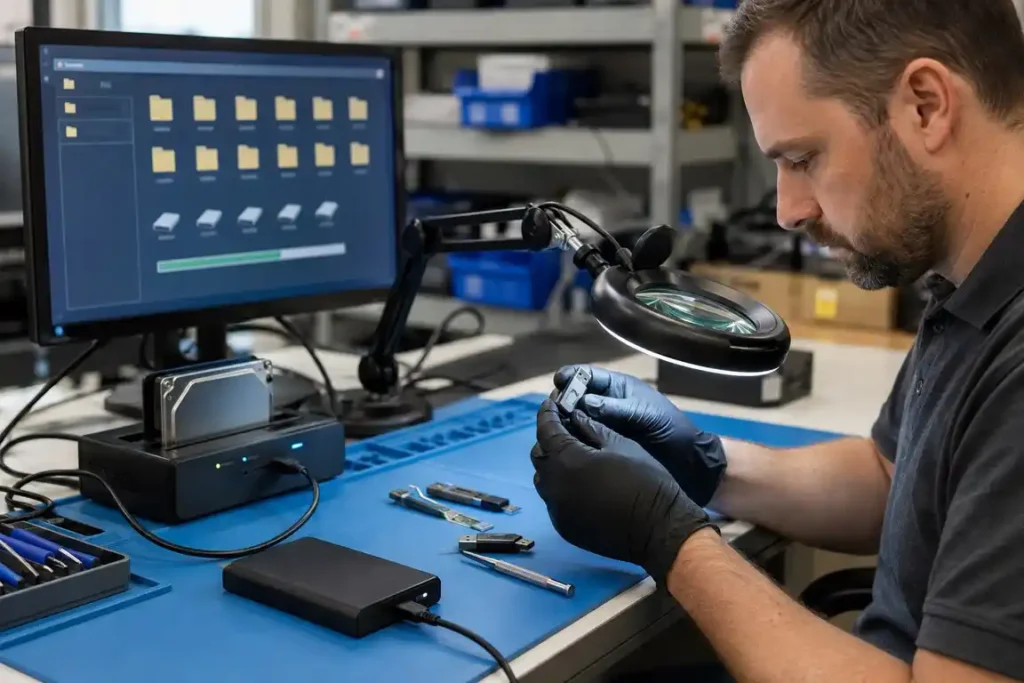
External hard drives and USB flash drives are commonly used for transferring files and keeping backups. They may become unreadable because of damaged ports, unsafe removal, file-system errors, physical impact or failure of the storage components.
Our technicians can check the device, cable, connector and file system to determine why the information cannot be accessed. If recovery is possible, retrieved files will normally need to be saved onto a separate working storage device supplied or approved by the customer.
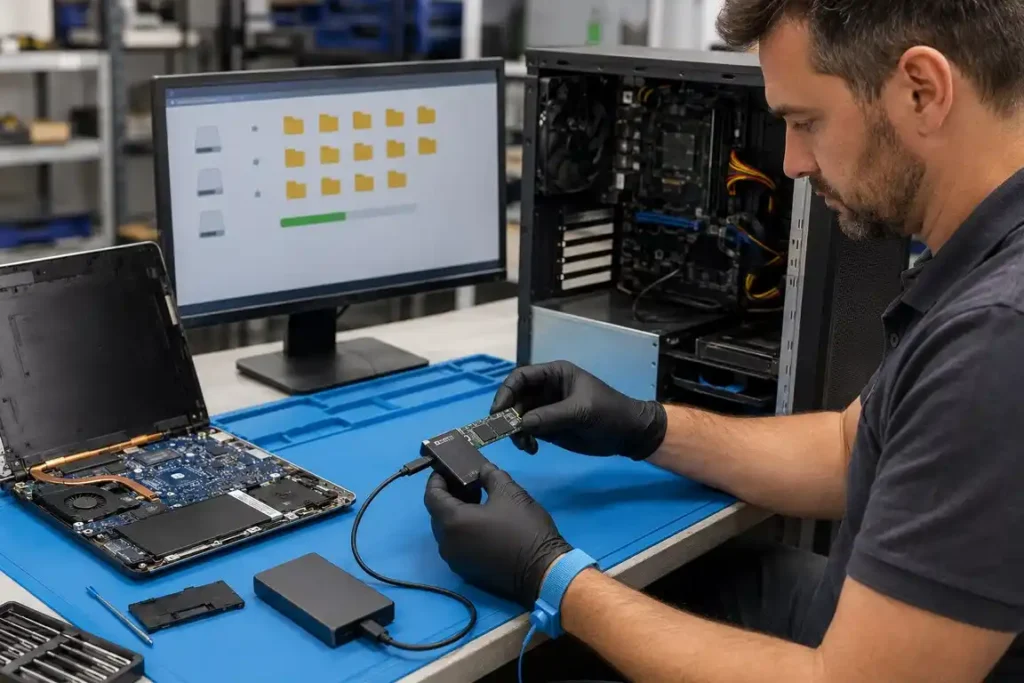
A computer that does not start may still contain recoverable information. The problem could involve Windows, internal storage, power components or another hardware fault rather than complete loss of the files.
We can inspect the computer or laptop and determine whether its storage device can be accessed safely. When possible, we retrieve important documents, photographs and other selected files before operating-system repair or hardware replacement begins.
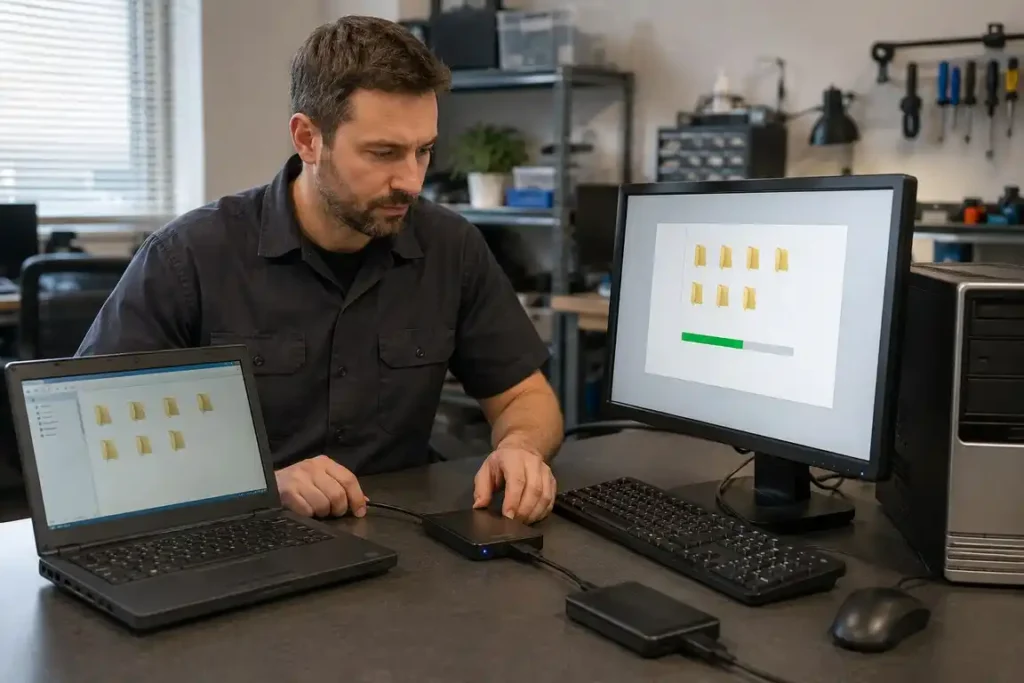
Moving to a new computer can involve transferring documents, photographs, videos and other personal files from the previous device. A properly organised transfer can make it easier to continue working without leaving important information behind.
Our team can copy accessible data from an old computer or storage drive to a new device. Software licences, passwords, email accounts and specialised programs may require separate setup because they cannot always be transferred in the same way as ordinary files.
Files can sometimes be deleted accidentally while cleaning storage, reinstalling software or moving information between devices. In certain situations, deleted files may remain recoverable until new information is written over the same storage space.
Stop using the affected drive as soon as you notice the data loss. Installing programs, downloading files or continuing normal use can overwrite the missing information and reduce the possibility of a successful recovery.
Get Quote
Need reliable device repair in Gisborne? Tell us what’s wrong with your phone, tablet, computer, laptop or gaming console. Complete the form to request a repair assessment or quote, and the Gisborne Tech Repair Hub team will contact you with the next steps. You can also visit us at 225 Gladstone Road or call 0225 281 144.
This website uses cookies to provide you with the best browsing experience.