A network-locked phone may only work with the mobile provider that originally supplied it. Gisborne Tech Repair Hub provides professional phone unlocking services in Gisborne, helping eligible customers use compatible SIM cards from other supported networks.
Our team can check the phone model, current network and unlocking status before recommending the next step. Unlocking availability depends on the device, original carrier, account status and any restrictions attached to the phone.
Android phones can use PINs, passwords, patterns, fingerprints and account-based security. If you cannot access your phone, we can examine the model and explain the approved recovery or reset options supported by its manufacturer.
Some recovery procedures may remove personal information from the phone. After a factory reset, Google Factory Reset Protection may require the Google Account previously connected to the device, and we cannot bypass this anti-theft protection without valid ownership and account recovery.
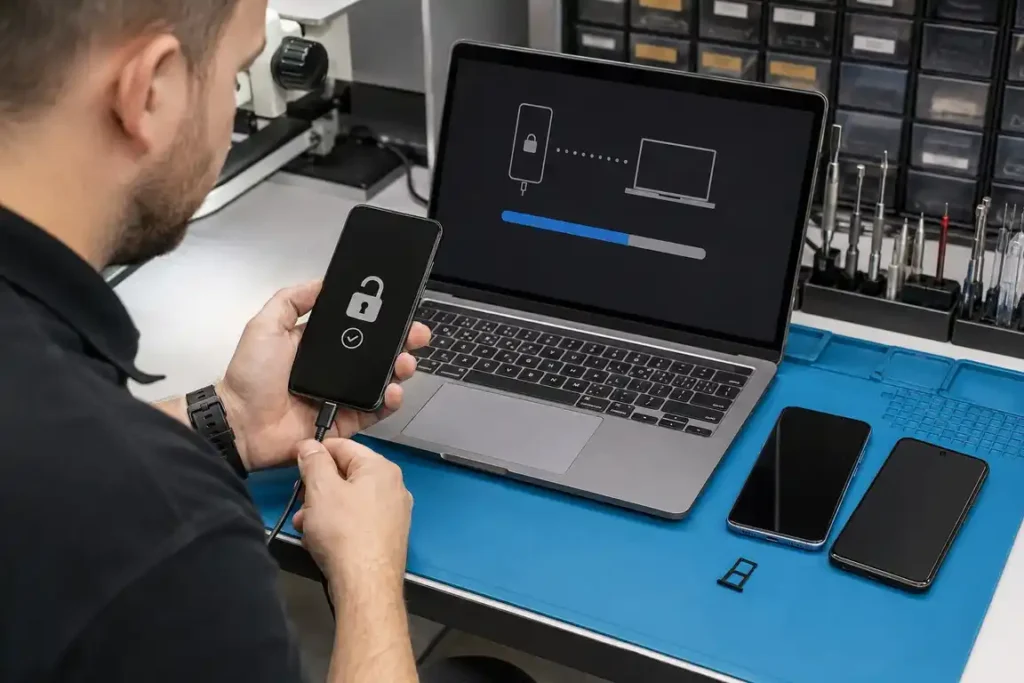
If you have forgotten your iPhone passcode or the device has become unavailable after several unsuccessful attempts, our technicians can help identify the official recovery options. Depending on the situation, restoring access may require your Apple Account details, a trusted device or a complete device reset.
iPhone passcode removal may erase the information stored on the device when no usable backup is available. Apple Activation Lock cannot be bypassed without authorised ownership and the correct account recovery process, so customers should bring proof of purchase and any available account information.
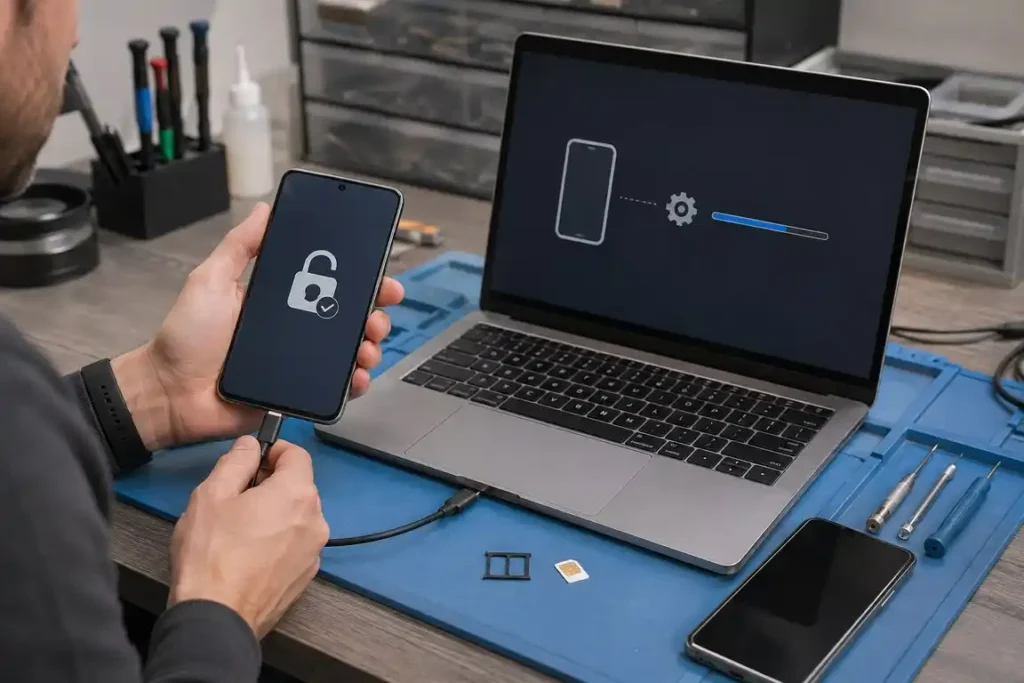
Samsung Galaxy phones include device-security and account-protection features that can prevent unauthorized access. Our technicians can assess forgotten PINs, patterns, passwords and network restrictions before recommending the most suitable official solution.
The available process depends on the Galaxy model, Android version, Samsung Account and Google Account status. A reset may result in data loss, and the original account credentials may still be required when the phone starts again.
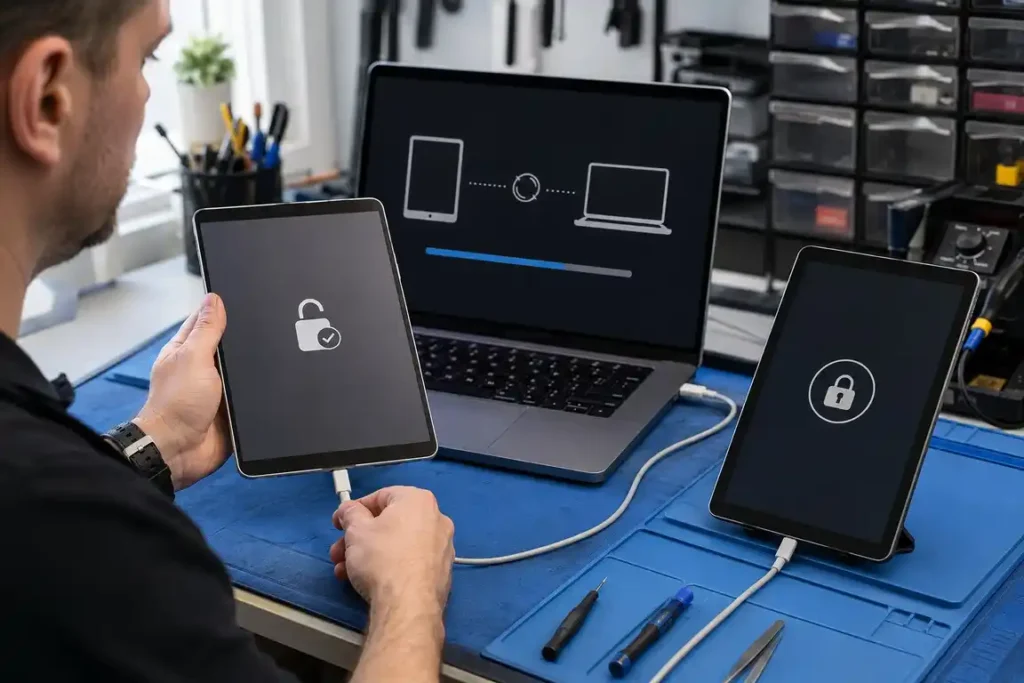
A forgotten passcode can make an iPad or Android tablet inaccessible. We can identify the tablet model, assess the lock type and guide you through the manufacturer-supported recovery or restoration procedure.
Resetting a locked tablet can erase locally stored files when no backup is available. An iPad may require its connected Apple Account after restoration, while an Android tablet may request its previously registered Google Account.
Losing access to an Apple or Google account can affect photographs, email, contacts, backups and applications. We can help you use official account-recovery pages, trusted devices, registered phone numbers and recovery email addresses.
Account approval and identity verification are controlled by Apple or Google, not by the repair shop. We cannot reveal passwords or bypass account security, but we can guide the device owner through the correct recovery steps and help restore the device afterward.
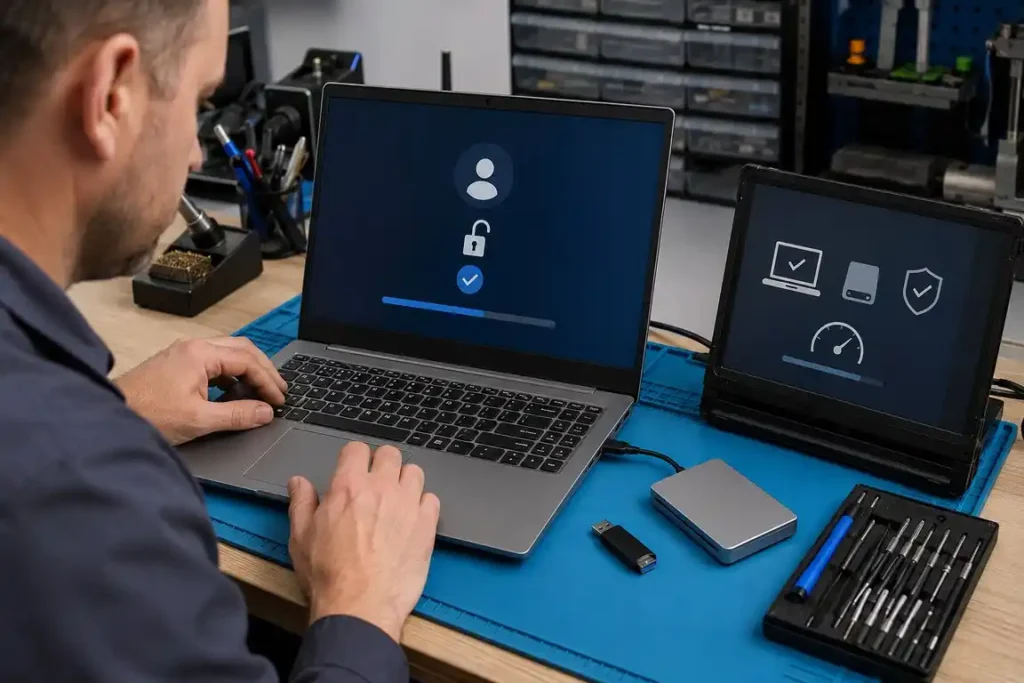
If you have forgotten the password or PIN for your Windows laptop, our technicians can help determine whether it uses a Microsoft account, local account or workplace-managed login. We can then explain the approved password-recovery or system-reset options.
Some access problems may be caused by a damaged Windows profile, failed update or storage fault instead of an incorrect password. We inspect the device carefully and discuss possible data-loss risks before performing a reset or software restoration.
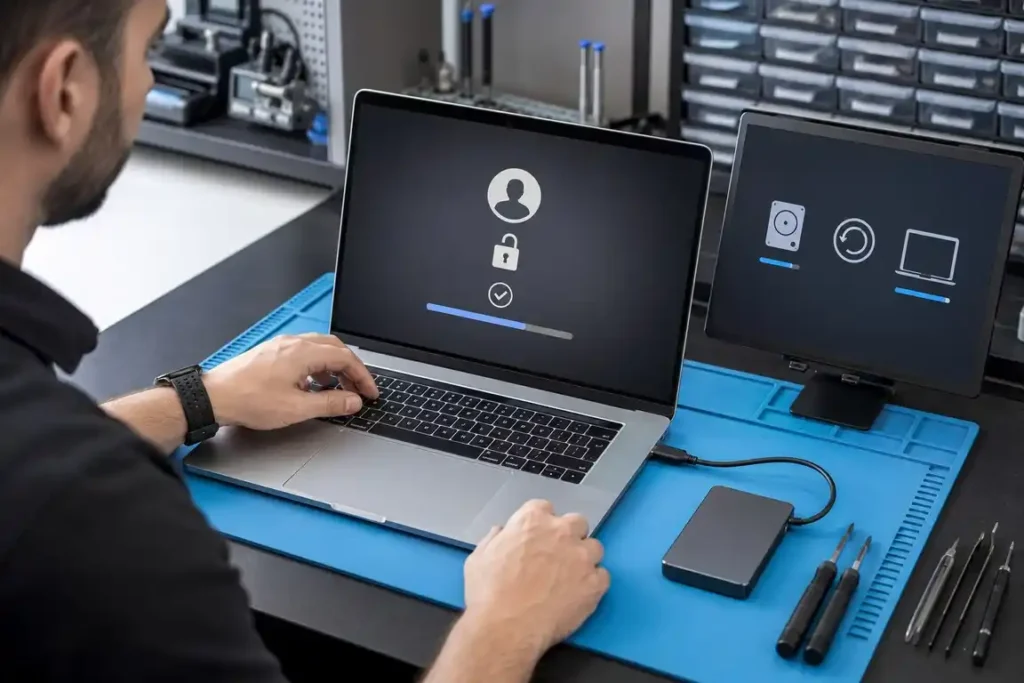
MacBook access problems can involve a forgotten login password, Apple Account issue, FileVault recovery key or damaged macOS user profile. Our technicians can assess the MacBook and explain which official recovery methods are available.
FileVault encryption and Activation Lock are designed to protect personal information and cannot be legitimately bypassed without authorised credentials or ownership verification. If a reset is necessary, we explain the possible effect on locally stored data before proceeding.
Get Quote

Need reliable device repair in Gisborne? Tell us what’s wrong with your phone, tablet, computer, laptop or gaming console. Complete the form to request a repair assessment or quote, and the Gisborne Tech Repair Hub team will contact you with the next steps. You can also visit us at 225 Gladstone Road or call 0225 281 144.
This website uses cookies to provide you with the best browsing experience.