
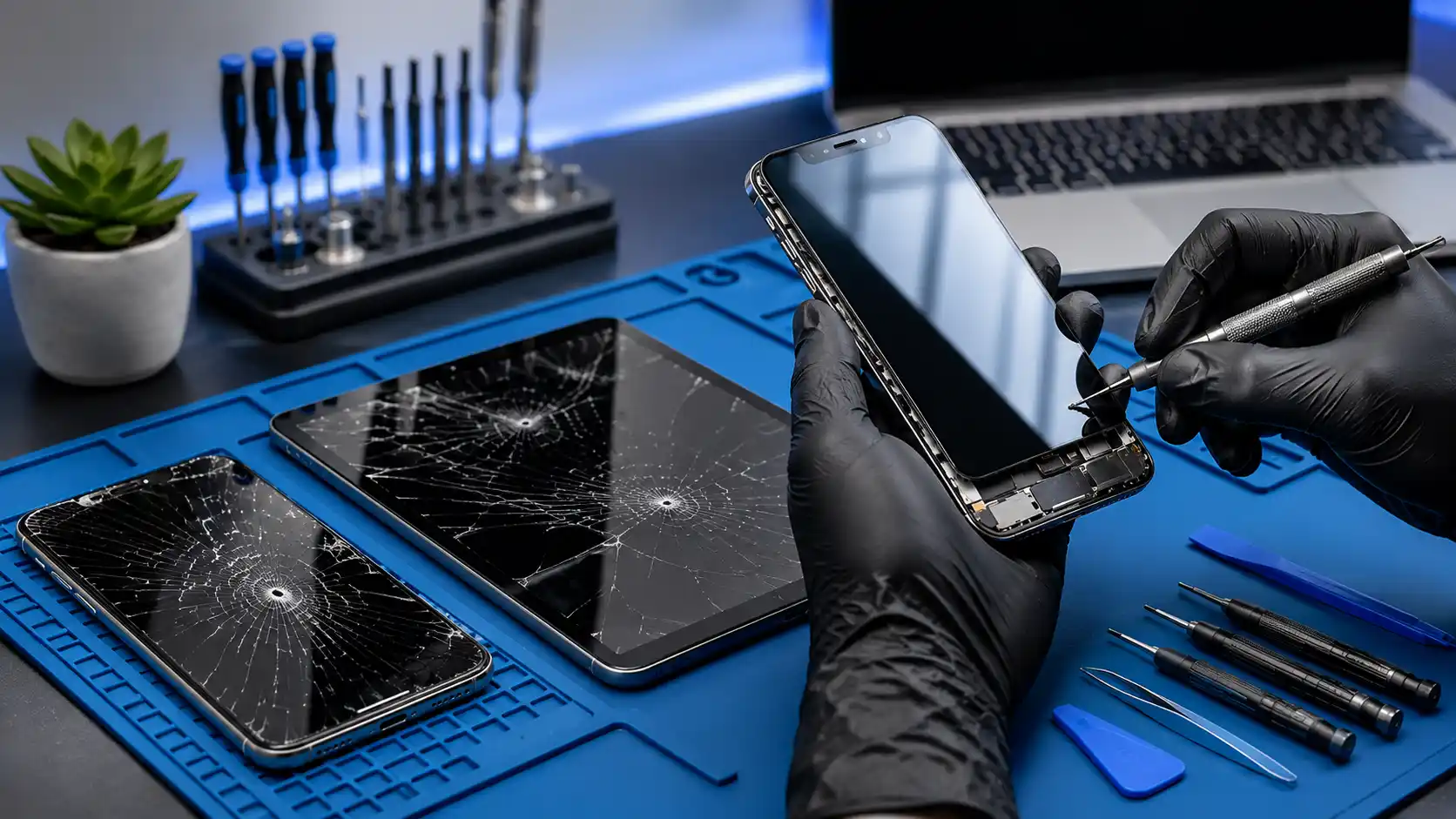
When Does Your Device Need a Screen Replacement? The screen is one of the most frequently used and easily damaged parts of a phone, tablet or laptop. A drop, impact, bent frame, pressure or liquid exposure can damage the outer glass, touchscreen or display panel. Some faults are immediately visible, while others may become more noticeable over time. A damaged screen does not always require replacement, because blank displays and touch problems can also result from loose connectors, software errors or internal component faults. Professional assessment helps identify the cause and prevents unnecessary part replacement. Common Signs of Screen Damage A visible crack is the most obvious sign of screen damage, but it is not the only problem that may require attention. Display faults can affect image quality, touchscreen response and the safe everyday use of a device. Damage may begin in one small area and gradually spread across the display. Coloured lines, flickering, dark patches and ghost touches can indicate that the internal screen assembly has been affected. Common warning signs: Cracked or shattered outer glass Coloured lines across the display Black spots or dark patches Flickering or unstable brightness Unresponsive touchscreen areas Touch inputs occurring automatically Distorted colours or images Completely blank display Cracked Screen Glass A small crack may appear harmless when the display and touch functions still work. However, cracks can spread through regular use, pressure, temperature changes or another minor impact. Damaged glass may also create sharp edges and allow dust or moisture to enter the device more easily. Arranging an assessment early can help determine whether the glass, complete screen assembly or surrounding frame requires attention. Touchscreen Problems A touchscreen may become slow, inaccurate or completely unresponsive after a drop. Some devices also develop ghost touches, where applications open or the screen moves without the user touching it. Touchscreen problems can involve the display assembly, internal connector, software or motherboard. Restarting the device may resolve a temporary software problem, but continuing faults should be professionally diagnosed. Touchscreen symptoms include: Delayed touch response Certain areas do not respond Incorrect letters appear while typing Screen moves without being touched Applications open unexpectedly Touch stops working after impact Coloured Lines and Black Spots Vertical or horizontal lines can appear when the internal display panel is damaged. These lines may remain in one area or spread as the condition becomes worse. Black spots, ink-like marks and coloured patches often indicate pressure or impact damage inside the display. Replacing only a screen protector will not correct damage within the actual display panel. Flickering and Brightness Problems A flickering screen may be caused by a damaged display, loose cable, software setting, graphics fault or power problem. The screen may flicker continuously or only when the device is moved or opened at a particular angle. Brightness problems may include an extremely dim display, uneven lighting or a screen that becomes dark unexpectedly. Accurate testing is needed before deciding whether the screen or another component requires repair. Blank Screen Diagnosis A device with a black screen may still produce sounds, vibrations or notification lights. This can indicate that the device is operating but its display is not showing an image. A blank screen does not automatically mean that the panel requires replacement. The problem may involve the battery, display connector, charging system, graphics hardware, software or motherboard. Useful signs to report to a technician: Device still rings or vibrates Notification sounds continue Display briefly appears during startup Screen works only at certain angles External monitor displays an image Damage began after a drop or spill Phone Screen Replacement Phone screens combine several important functions within a small assembly. Depending on the model, the outer glass, touchscreen and image panel may be bonded together and replaced as one component. Before replacement, the phone should be inspected for frame damage, internal faults and signs of liquid exposure. After installation, the display, touch response, brightness and nearby features should be tested. iPhone Screen Replacement An iPhone screen can develop cracks, touch problems, coloured lines or dark areas following a drop or impact. The surrounding frame should also be examined because a bent frame may prevent the replacement screen from fitting correctly. Replacement options and availability depend on the exact iPhone model. Testing after installation may include display quality, touchscreen response, brightness, cameras, speakers and relevant sensors. Samsung and Android Screen Replacement Samsung Galaxy and other Android phones use different screen sizes, display technologies and connector designs. Identifying the correct brand and model number is important when checking replacement-part availability. Some Android phones use a complete display and frame assembly, while others require the screen to be fitted into the existing housing. The appropriate repair depends on the model, damage and condition of the frame. Tablet and iPad Screen Replacement A damaged tablet screen can affect studying, working, reading and entertainment. Cracked glass may also create sharp edges, while deeper damage can interfere with the touchscreen or image panel. Tablet repairs vary because some models have separate glass and display components, while others use a bonded assembly. The model and extent of damage should be assessed before selecting a replacement option. Laptop Screen Replacement Laptop screens may become cracked, flicker, display coloured lines or remain completely blank. Similar symptoms can also result from display-cable, graphics or motherboard problems. A compatible replacement must match the laptop’s screen size, resolution, connector, refresh rate and mounting design. The exact laptop model and existing panel information help identify the correct component. Screen Damage or Screen-Protector Damage? A screen protector is designed to absorb scratches and minor impacts, so it may crack while the actual display remains undamaged. Carefully viewing the edges of the protector can sometimes help identify which layer is affected. Do not remove badly broken glass if it has sharp edges or appears attached to the damaged display. A technician can inspect the device safely and determine whether only the protector or the complete screen needs replacement. Screen and Frame Damage A bent, dented or uneven frame